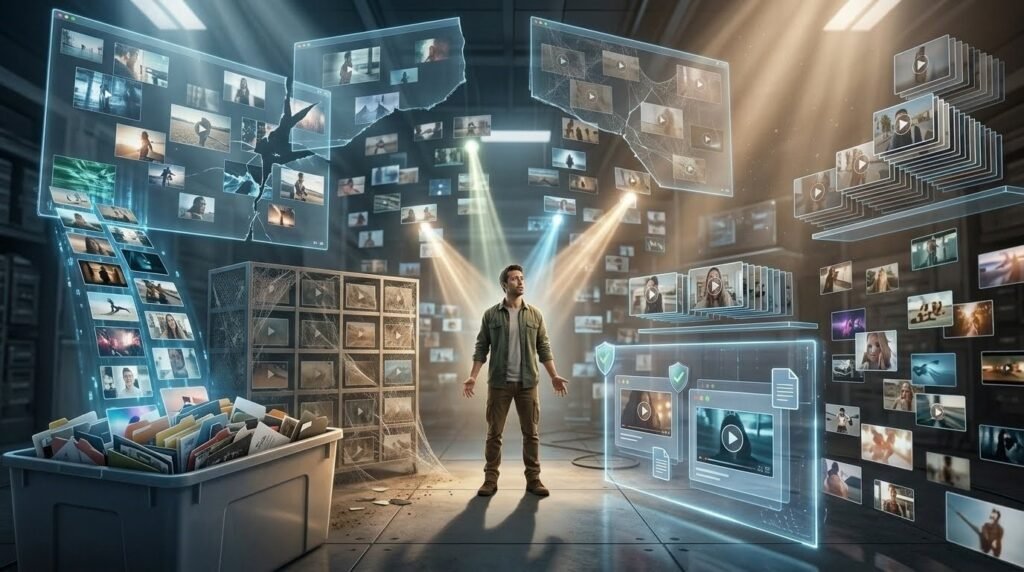
Every creator has done this. Open a new project, get to the point where the opening needs something. It spend the next twenty minutes hunting through folders, stock sites, and old project files looking for a clip that works. Find something that almost works. Use it anyway. Move on. Check the retention graph two days later and see the same early drop-off as last time.
The clip-hunting problem doesn’t get better on its own. It gets worse as content volume increases, because every new video brings the same search from scratch.
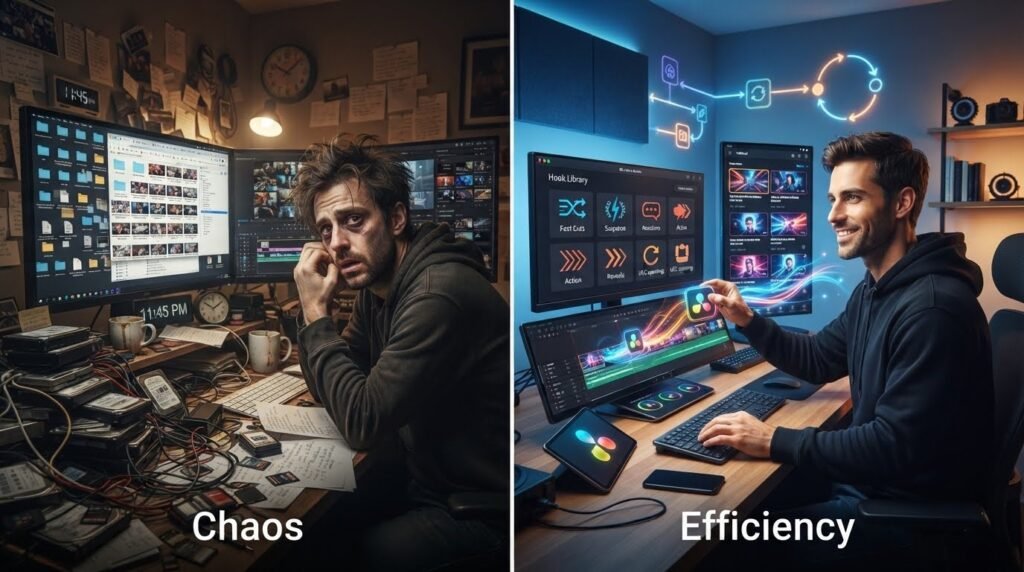
A hook library fixes this at the root. Not a folder of random downloaded clips, an organized, categorized, performance-tracked collection of opening assets. These are creator can pull from in seconds rather than searching from zero every session. The editing session that used to start with twenty minutes of asset hunting starts instead with a thirty-second browse through a folder that’s already organized by exactly what’s needed.
The difference in publishing frequency between creators who build this system and creators who don’t becomes obvious within a few months. The library doesn’t just save time on individual videos it compounds across every video after it.
Why Every Creator Needs a Personal Hook Library
Time spent searching for assets is time not spent editing, and it’s the category of time most creators significantly underestimate. A ten-minute asset search per video sounds manageable. Until it’s happening across five videos a week that’s nearly an hour weekly on finding clips rather than using them.
Speed matters specifically for short-form content in a way it doesn’t for longer formats. TikTok trends move fast. A format that’s performing well on Monday might oversaturated by Thursday. Creators who can produce and publish in hours rather than days catch these windows. Creators who spend their editing time hunting for opening clips consistently miss them.
Consistency is the second benefit that a hook library produces. When every video starts with the same organized selection process, open the suspense folder, pick the clip. These clips fits the content’s emotional register, drop it in the opening and the quality becomes more reliable across videos. That consistency shows up in retention data. Accounts with stable early retention metrics get treat better by algorithms than accounts with wildly varying performance from one video to the next.
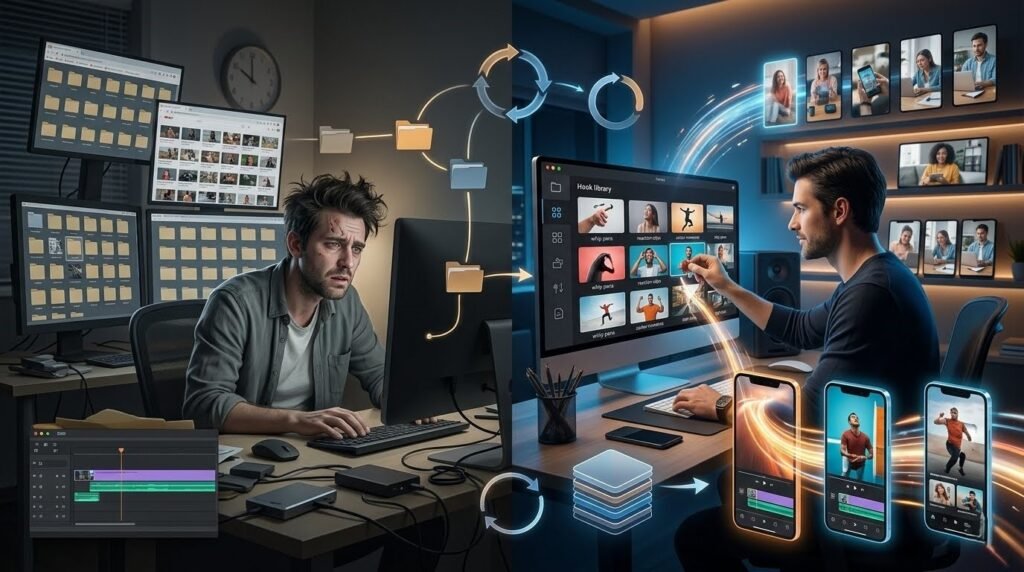
Reusable assets also reduce the creative pressure of each individual video. When the opening clip decision takes thirty seconds instead of twenty minutes, more cognitive energy is available for the parts of the video. It actually requires creative thought the structure, the delivery, the editing rhythm through the middle. Hook libraries make creativity easier by removing the logistical friction around it.
For UGC creators managing multiple client accounts, this scales further. A client that needs three videos a week across a three-month campaign represents dozens of opening decisions. A library organized by niche and hook transition type means those decisions happen fast and consistently. This happens across the full campaign without quality degrading as volume increases.
What Should Be Included in a Hook Library?
The most useful hook libraries are organized around function rather than appearance. Every category answers a specific need, and knowing which category to pull from requires knowing what the opening needs to accomplish before the clip search begins.
Transitional hooks, fast cuts, whip pans, push-ins belong in every library regardless of niche. These clips don’t carry subject-specific meaning, which means they sit at the front of almost any content without creating a mismatch. A whip pan opening works for a fitness video, a finance explainer, and an ecommerce product reveal equally well. These are the most versatile clips in a library and should represent the largest category.
Pattern interrupt clips jarring audio-visual combinations, unexpected color changes, fast visual breaks function as universal scroll-stopping tools. These work for stop the scroll video content across all categories. Keep a rotating selection here specifically because pattern interrupts lose effectiveness as they become familiar. Fresh additions to this category matter more than to any other.
Some Other Types of Hooks
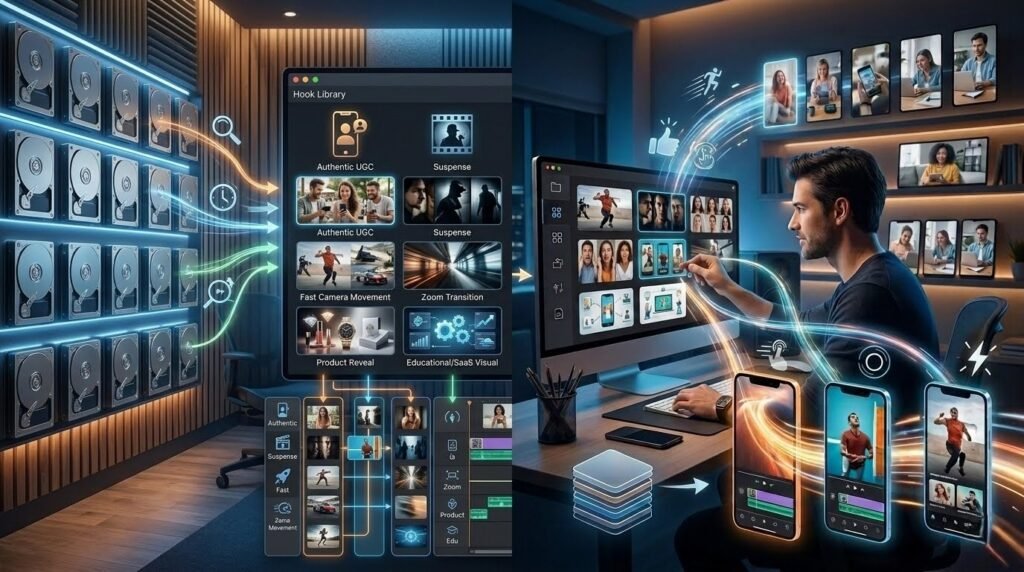
- UGC reaction hooks, phone camera footage, direct-to-lens delivery, and natural environment openers belong in a separate folder from polished clips because they serve a fundamentally different purpose. These work for ecommerce ads, affiliate content, and product launches where authenticity is the hook rather than visual energy. Mixing these into a general folder makes them harder to find when they’re specifically need.
- Suspense clips are the category worth being most careful about sourcing. Tense visuals, unresolved moments, high-contrast footage these work particularly well for business, finance, and self-improvement content. This is because the implied stakes create a reason to keep watching before any explanation arrives. The problem is that dramatic footage is also the category creators most commonly pull from films and shows without realizing it, or while assuming the edit is different enough to be safe. It isn’t. Source suspense clips deliberately and verify the license before anything goes into a project.
- Fast camera movement is a different energy entirely. Handheld running shots, rapid pans, dolly-style pushes these communicate pace and momentum before a word is speak, which makes them natural openers for fitness, lifestyle, and travel content where the feeling of being in motion is part of the point. A fitness creator opening on a fast tracking shot signals the same energy the workout content delivers. The clip and the content feel like they belong to each other, which is what makes the transition hook into the main video feel seamless rather than jarring. These carry a sense of momentum that communicates pace before any content is delivered.
- Zoom transitions deserve their own subfolder because they function differently as a layer added on top of other hook types rather than as standalone openers. Having them separate speeds up the decision of when to use them as an addition versus when the primary clip is sufficient.
- Product reveal hooks close-ups, partial-reveal angles, packaging shots serve ecommerce and product launch content specifically. These should organize separately from general hooks because they’re niche-specific in a way the other categories aren’t.
- Text animation openers work for educational creators and SaaS content where the hook needs to communicate information visually. Keeping these separate from motion-based clips makes them findable when the content requires a text-led approach.
How to Organize Hook Clips for Faster Editing
The folder structure is the foundation. The top level should reflect the hook category, not project or date. A folder called “Suspense” that contains every suspense hook clip across all sources is more useful than a folder called “March Downloads” that contains a mix of everything from that month.
Inside each category folder, sort by energy level or pace. Fast clips at the top, slower builds at the bottom. This internal organization means that when a specific type of energy is needed, the search narrows to a section of a folder rather than the whole folder.
File naming conventions prevent the duplicate asset problem that silently bloats most creators’ storage. Name files by hook type, energy level, and source something like “suspense_high_HT_01” rather than leaving default names like “clip_0047” that say nothing about what the file actually contains. This pays off immediately when searching within a folder and compounds over time as the library grows.
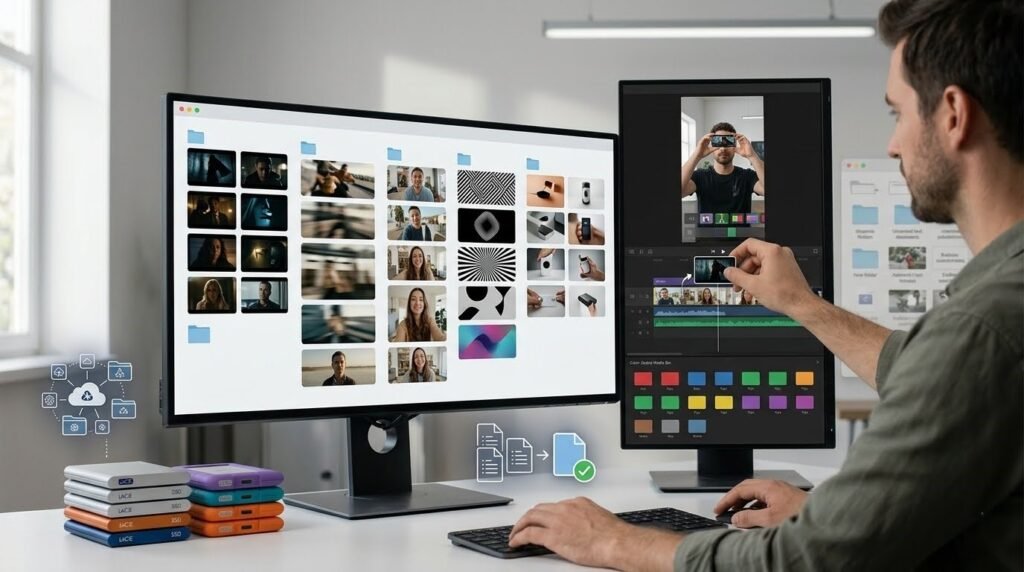
Color labels in editing software bins CapCut, Premiere, DaVinci provide a second organizational layer that’s visible at a glance. Assign colors by category: one color for transitional hooks, another for UGC style, another for pattern interrupts. In a timeline view, the category is readable without opening the clip.
Niche-based sub-collections work well for creators who produce content across multiple categories or manage client accounts in different industries. A finance sub-collection pulls relevant clips from several hook categories rather than duplicating files; it’s a view, not a separate set of files. Premiere and DaVinci handle this through bins and metadata labels. CapCut handles it through project-level folders. The system doesn’t need to be complex, it needs to be fast to navigate.
Performance-based organization is the layer most creators skip and the one that makes the library genuinely valuable over time. Tag or label clips that produce measurably better early retention on videos where they were use. A clip marked as “tested, strong early retention, fitness content” is worth more than an untested clip that looks visually impressive, because it carries actual performance data behind it.
Common Mistakes That Slow Down Editing
Saving files without categorizing immediately is how libraries become unusable. A downloaded clip that goes into a general “downloads” folder rather than its appropriate category is effectively lost. Finding it later requires either remembering it exists or scrolling through everything neither of which is efficient. Categorize at the point of download, not later.
Keeping outdated clips without reviewing them is a quieter problem. A pattern interrupt that worked six months ago might now be recognizable enough to have lost its effectiveness. Holding onto clips that have been used so many times they feel familiar to the creator and potentially to audiences in the same niche adds noise to the library without adding utility.
Duplicate assets from multiple downloads of the same clip from different sources create confusion and waste storage. A regular monthly deduplication pass keeps the library clean. Most operating systems have duplicate-finder tools that make this fast.
Ignoring licensing information at download time creates compliance issues that surface at the worst moments during a client delivery or a paid campaign. Keep a simple text note or spreadsheet that records the source and license type for each clip. This takes thirty seconds per download and avoids significant problems later.
Downloading hooks without a purpose in mind produces collections of clips that seem interesting but don’t fit any actual content needs. Every video hook’s download decision should map to a specific category gap in the library: a missing hook type, a niche that lacks options, a category that needs fresh additions because the existing clips have been overused.
Turning Your Hook Library Into a Competitive Advantage
A library that’s build deliberately over several months starts to function differently than a folder of download clips. It becomes documented proof of what works for a specific audience rather than a collection of assets that might work based on how they look.
Trend response speed improves significantly. When a new format starts performing on TikTok and short video transition hook for ads shifts toward a different style, creators with organized libraries can adapt immediately pulling the relevant hook type, testing it across a few videos, and iterating faster than creators who have to start the asset search from zero every time something changes.
Client work becomes more efficient. An agency managing multiple client accounts can build client-specific sub-collections within a shared library, maintaining consistency across a campaign while still pulling from a broader organized asset base. Delivering a week’s worth of content for a client becomes faster when the hook decisions pull from tested, organized clips rather than fresh searches every time.
Testing becomes systematic rather than random. Running the same hook type across four or five consecutive videos and comparing early retention methodology that produces actual data about what works only becomes sustainable when the clips are organized well enough to repeat the test cleanly.
HookTransition.com provides a starting point for this kind of organized approach: downloadable transitional hooks, UGC video hook clips, and reel hooks with no copyright concerns attached, organized by hook type and formatted for vertical short-form content. For creators building out a library rather than accumulating random downloads, having a source that’s already organized around hook function rather than general stock categories shortens the time from video hooks download to usable organized asset considerably.
The library’s value compounds in direct proportion to how consistently it gets maintained. Clip added, categorized, tested, labeled with performance notes repeated across weeks and months, that process builds something that saves hours across every project that follows.
Hook Library That Aids In Hooks
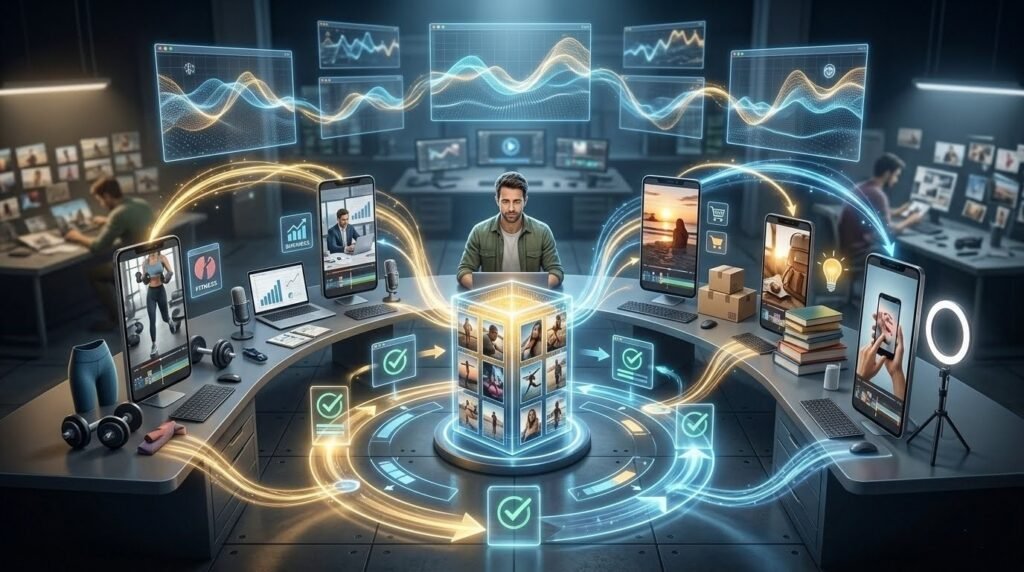
A hook library that’s three months old and well-maintained is worth more than a folder of a thousand unorganized clips downloaded yesterday. The organization is the value not the volume.
Every creator starts without a library and builds one through either intention or accident. The intentional version categorized by hook type, labeled with performance data, refreshed regularly, organized for fast retrieval becomes a genuine production advantage that grows stronger the longer it exists.
Start with the categories that match current content needs. Add clips deliberately rather than accumulating randomly. Track what performs. The library that results from that process makes every editing session faster than the one before it.


