There’s an assumption most creators carry into every editing session: each video needs its own unique opening. New hook, new clip, new energy for every piece of content. Source it, test it, drop it in, repeat.
That assumption is expensive in ways that don’t show up obviously. The sourcing takes time. The testing takes time. And after all that, the hook might not even perform well because it hasn’t been proven yet.
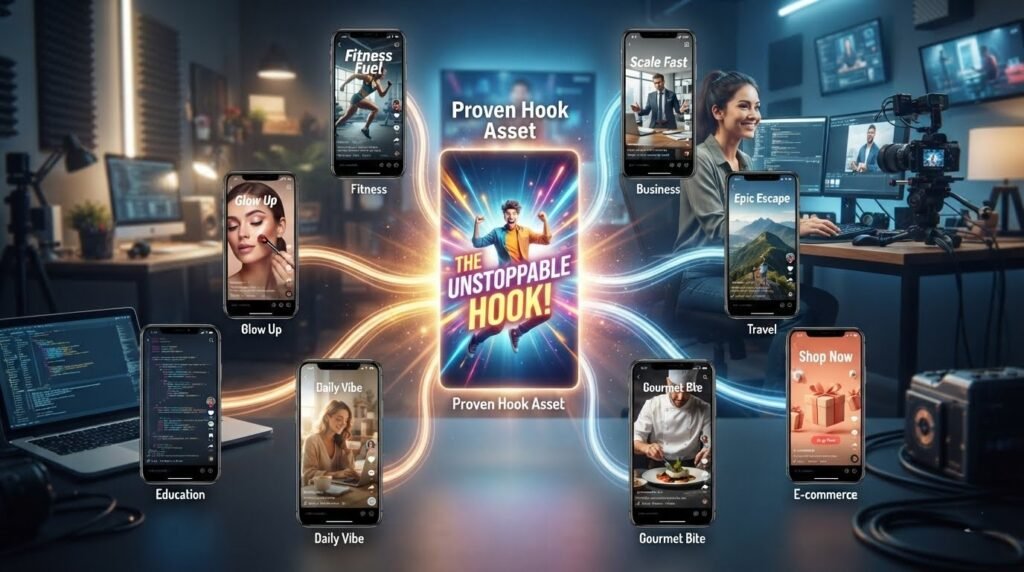
The creators produce content at high volume daily TikToks, multiple hooks transition a week, client campaigns running simultaneously almost never starting from zero on every video. They pull from libraries of clips that have already worked. They rotate proven assets across different content pieces with different messaging and different narration. One hook clip, multiple videos, completely different audience experiences.
This isn’t a shortcut that hurts quality. Done right, it’s the opposite of a system that produces more consistent openings because the hook has already proven to work. It is freeing up editing time for the parts of the video that actually require fresh creative effort.
Why Repurposing Hook Clips Saves Time and Improves Consistency
Every hook clip sourced from scratch carries a hidden time cost that most creators underestimate. Finding a clip, checking its license for reel transition hooks on copyright issues, evaluating whether it has the right energy for the content, testing it against retention data that process easily runs twenty to thirty minutes per video. Across a week of content production, that’s hours spent on the opening alone.
Reusable assets eliminate most of that cost after the first use. A hook clip that’s already proven its retention value already confirmed as copyright-safe. It is already tested against an actual audience gets dropped into a new project in seconds. The decision took twenty minutes at once. Every subsequent use takes thirty seconds.
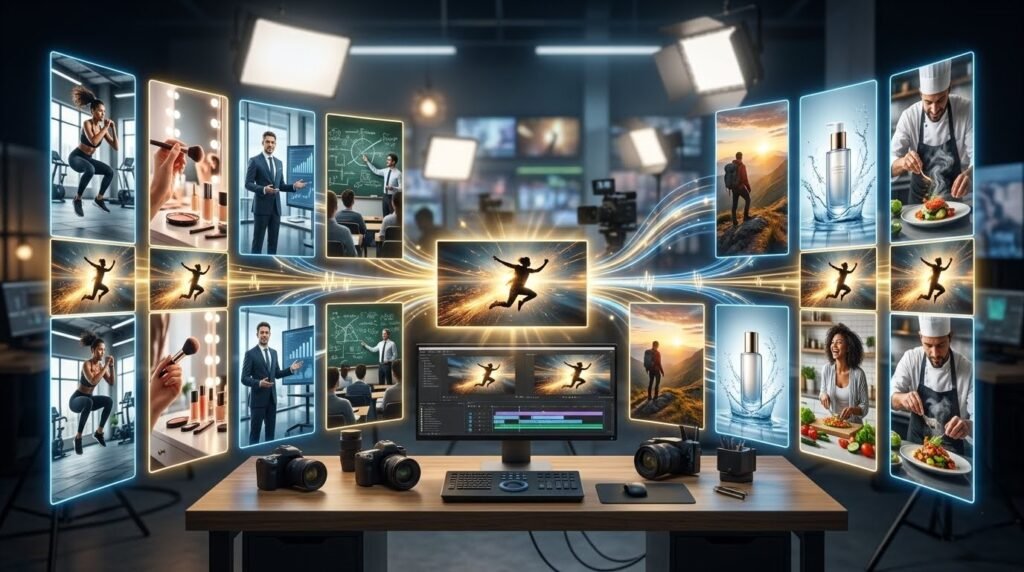
Professional editors figured this out early. Agency workflows almost always involve reusable asset libraries because campaigns require volume and consistency simultaneously. A brand running fifteen product videos over two months can’t afford to source a new hook for every video. A library of proven transitional hooks and opening hooks transition handles the opening across the whole campaign while the unique content handles the differentiation.
Consistency improves too, and in a specific way that matters for audience retention. When an account’s openings have a recognizable energy not identical clips, but a consistent visual pace and quality, returning viewers start anticipating that energy. That anticipation creates the engagement before the video even delivers its hook. Reusing proven clip styles rather than starting fresh every time produces that consistency more reliably than hoping every new clip lands with the same energy as the last one.
What Makes a Hook Clip Easy to Repurpose?
Neutral visuals are the most important feature. A hook clip showing a specific product, a recognizable location, or a clearly identifiable person creates a mismatch when placed in front of content that has nothing to do with those elements. A clip showing fast movement, abstract motion, or a non-specific environment adapts to different content without creating visual confusion.
Strong movement at frame one is the second characteristic. A clip that creates immediate visual momentum works as an opener regardless of what comes after it. Because the movement earns attention before the content has introduced. Static clips, even visually attractive ones, are harder to repurpose because their stopping power depends more on the subject matter.
Fast pacing helps. Clips that move quickly under two seconds of total runtime before cutting leave more room for the content that follows without making the video feel front-heavy. A three-second hooks transition clip with slow energy consumes too much of the total runtime to repurpose efficiently across different video lengths.
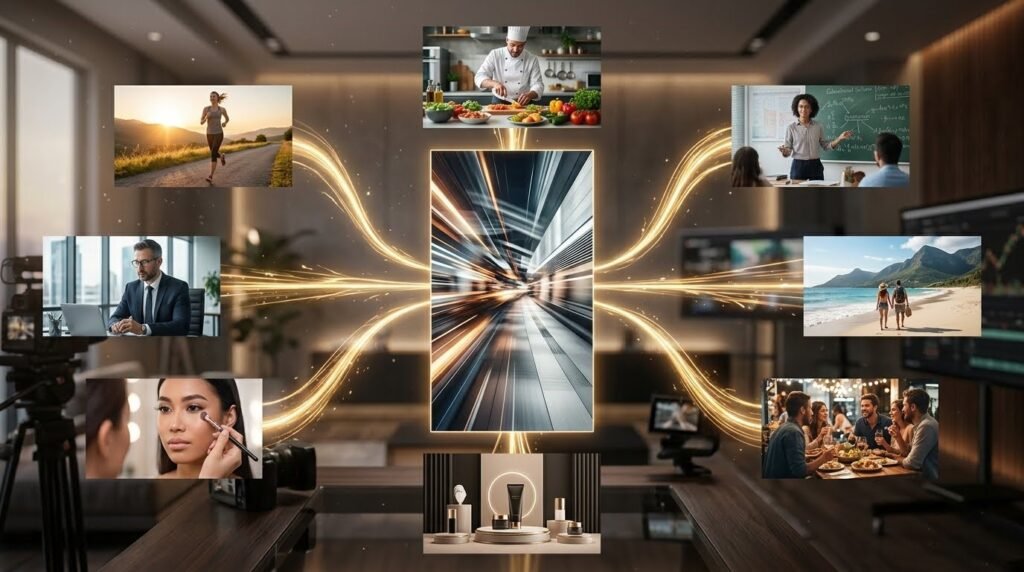
Broad niche compatibility comes from the neutrality of the visual combined with the energy of the motion. A fast whip pan over an abstract background fits fitness content, business content, and beauty content equally well. A fast zoom into a specific product doesn’t.
Clean transition clips that end on a clear cut point rather than fading or resolving make editing significantly easier across multiple repurposing uses. A clip with a sharp end frame cuts cleanly into any content type. A clip that trails off requires more editing work to integrate into different videos.
Minimal distractions in the frame matter for repurposing specifically. A clip with text overlays, watermarks, or highly specific graphic elements embedded in the footage limits what it can sit in front of without looking mismatched.
10 Practical Ways to Reuse One Hook Clip
Take a single fast transitional hook clip, a whip pan with high contrast, neutral background, sharp cut point and here’s how one clip supports ten completely different pieces of content.
- Educational videos: Drop the clip in front of a numbered list format. Change the text overlay to the topic. The opening energy signals the video will move fast, which matches viewer expectations for educational content.
- Product promotions: Place the same clip before a product close-up. The transition from the hook clip to the product creates a reveal effect that works for ecommerce and launch content without requiring a product-specific opening.
- UGC advertisements: Lead with the hook clip for the first second, then cut to phone-camera style UGC video hook clips for the main content. The transitional hook creates the initial stop; the UGC creates the authenticity that holds attention.
- Before-and-after transformations: Open with the hook clip, cut directly to the “after” result, then structure the video around the journey. The hook creates momentum; the immediate result creates curiosity about the process.
- Tutorials: Use the hook clip as a pattern interrupt before the tutorial begins. The visual energy signals that the tutorial will be fast-paced and practical rather than slow and explanatory.
- List videos: The same clip works at the front of any list format: five tips, three mistakes, seven tools. The hook’s energy matches the implied pace of list content regardless of the topic.
- Motivational content: Pair the clip with a bold text overlay and a strong opening line. The same visual takes on completely different emotional weight depending on the narration and music that follows it.
- Business tips: Open with the hook clip before cutting to a direct-to-camera business creator. The transition from a high-energy visual to a confident presenter creates contrast that works well for professional content.
- Service promotions: The hook clip sits effectively before a problem-solution structure. Open on the visual energy, cut to the problem being described, move to the service as the resolution.
- Client case studies: Lead with the hook clip before cutting to the case study’s most compelling result. The opening borrows energy from the clip; the result borrows credibility from the specific outcome being presented.
In every case, the narration, text overlays, music, and content after the hook carry the differentiation. The hook clip provides the consistent opening energy. That division of labor is exactly what makes repurposing work without making every video feel identical.

Common Repurposing Mistakes
Using identical captions across every video that uses the same hook clip is the mistake that makes repurposing visible in a bad way. The caption is often the first thing a viewer reads before the video plays. Same caption, same hook, different content the viewer notices the repetition and the video feels recycled rather than efficiently produced.
Ignoring audience expectations for different content types creates mismatches. A hook clip that works for a high-energy fitness video carries a different tonal promise than the same clip placed in front of a calm, reflective piece of motivational content. The opening sets an expectation. When the content doesn’t match it, viewers leave and that specific kind of exit hurts retention metrics more than a gradual drop-off does.
Repeating the exact same editing style across every repurposed video removes the differentiation the varied content was supposed to provide. If the hook clip, music choice, text style, and color grade are all identical across ten videos, the content itself has to work much harder to feel different. Vary at least two elements beyond the hook when repurposing music and text style change the viewing experience significantly without requiring a new clip.
Overusing trendy sounds with the same clip creates a shelf-life problem. A clip paired with a trending audio track feels current for two weeks and dated afterward. Hook clips repurpose better with original audio or music that doesn’t carry trend associations. The visual transitions and movement keep the clip fresh; the sound keeps it relevant.
Forgetting platform formatting wastes repurposing efficiency. A clip that was sized and paced for TikTok retention might need adjusting for YouTube Shorts transition hooks or Instagram Reels hooks where aspect ratios, safe zones for UI elements, and audience pacing expectations differ slightly. Check formatting for each platform before publishing rather than assuming the same file works everywhere without adjustment.
Building a Repurposing Workflow That Scales
The workflow that makes repurposing sustainable runs in three stages: organize, batch, track. Organize reusable hook clips into a dedicated library separate from project footage. Label each clip by movement type, energy level, and niche compatibility. A clip labeled “whip-pan, high-energy, neutral, fitness-business-beauty” takes five seconds to find when a new video needs an opener that fits those parameters. An unlabeled clip in a general downloads folder takes five minutes to find and often gets skipped in favor of sourcing something new.
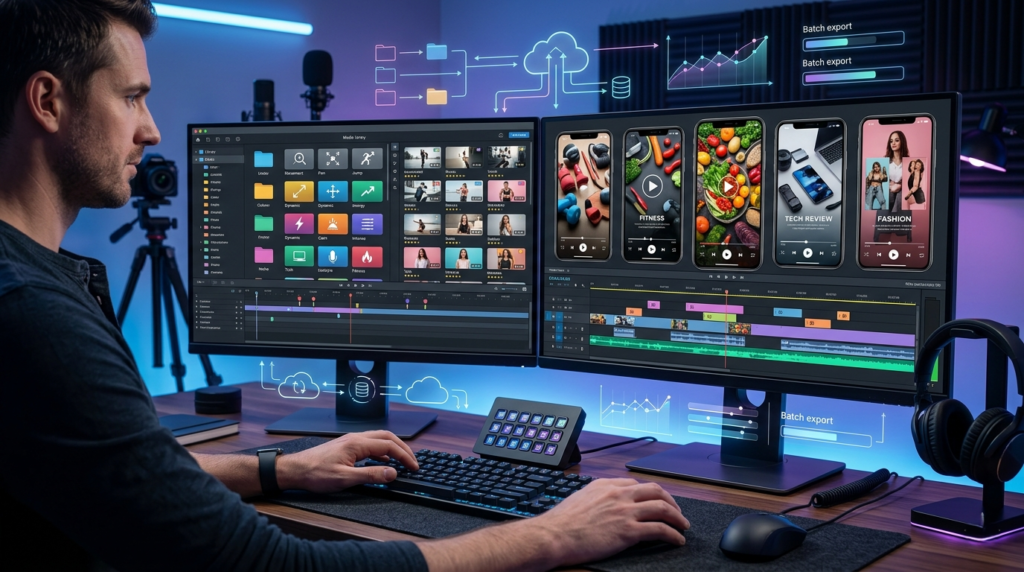
Save editing templates alongside the clip library. A template in CapCut or Premiere that has the hook clip pre-placed, the transition pre-timed, and the text overlay layer ready for new copy reduces the editing session for a repurposed video to a few minutes. Batch producing five videos from the same template in one session is significantly faster than building each video from scratch across five separate sessions.
Track which hook clips produce the strongest early retention when repurposed. A clip that consistently shows good retention across different content types is worth more than a clip that performed well once in a specific context. Mark these clips clearly in the library something simple like a star or a color label so the first choice in any new project defaults to proven assets rather than untested ones.
Refresh the library regularly. A clip that’s been used across twenty videos over three months starts to lose effectiveness as it becomes recognizable to returning viewers. Add new clips to the rotation rather than waiting until the existing ones feel exhausted. HookTransition.com and transitional hooks.com maintains a growing library of transitional hooks and video hooks downloaded organized by type worth pulling from when the rotation needs new additions without spending time sourcing from general stock sites that weren’t built with hook repurposing in mind.
One strong hook clip, sourced once and organized well, can carry ten different videos without any of them feeling repetitive to a viewer. The opening provides consistent energy. The content provides the differentiation. The editing template provides the speed.
Creators who build this system stop spending creative energy on finding new openings for every single video and start directing that energy toward content that actually benefits from fresh creative input. The hook library handles the door. The content handles what’s on the other side of it.
Build the library. Label everything. Batch the production. The efficiency compounds every week it stays in place.


