The hook clip looked great in the preview window. Fast movement, strong visual energy, exactly the kind of opening that makes a viewer stop scrolling. It went into the timeline, got a cut added after it, and the video got published.
That specific failure, a hook that works in isolation but creates friction the moment the main content begins, comes up constantly in short-form editing. The viewer doesn’t consciously think “those were two different clips.” They just feel something slightly wrong and respond the way short-form viewers respond to friction: they leave.
Natural transition hook clips don’t draw attention to themselves. The viewer moves from the opening into the content without noticing a join happened. That invisibility is the goal, and it comes from timing, relevance, audio connection, and visual consistency not from the quality of the hook clip alone.
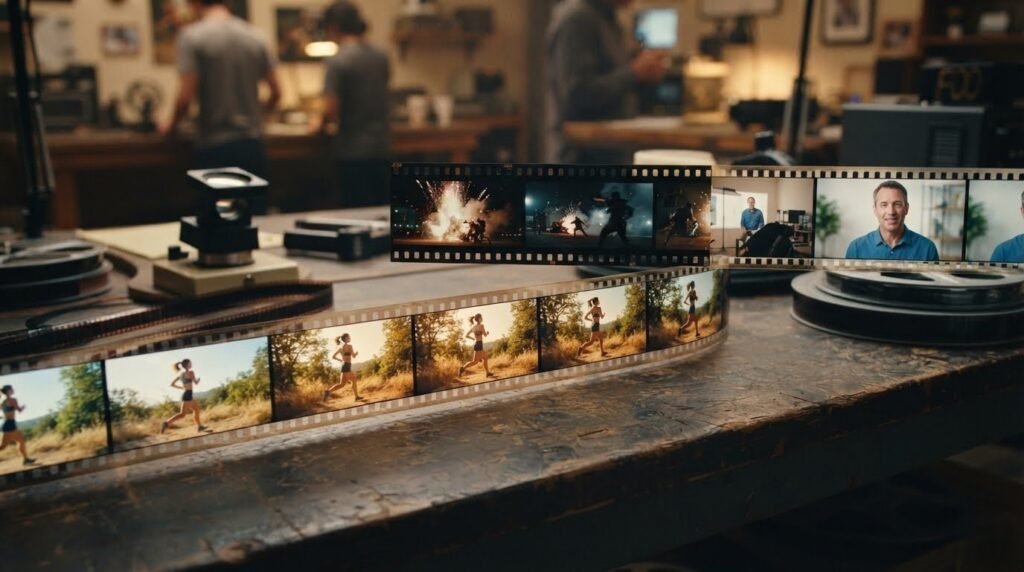
Why Some Hook Clips Feel Forced
The problem usually isn’t the clip. It’s the gap between what the clip signals and what the content delivers. Mismatched visuals are the most common cause. A dark, high-contrast hook cutting to a bright, naturally lit talking head creates a visual reset the viewer registers before any conscious evaluation occurs. The mismatch isn’t identified, it’s felt. And what gets felt as wrong gets scrolled past.
Abrupt tonal changes produce the same friction through a different channel. A hook running at intense, dramatic energy that cuts to casual, relaxed delivery tells the viewer the opening oversold the content. That specific feeling of being led somewhere that didn’t exist produces exits at exactly the moment the content should be earning continued watch time.
Excessive effects draw attention to the editing rather than the content. When the hook is heavily layered with zooms, color shifts, and multiple transitions, the viewer notices the production effort rather than the message. A hook that makes the viewer think “that was a cool effect” has failed. A hook transition that makes them think “what’s going on here?” has succeeded.
Unrelated footage is the simplest problem and the hardest to fix after the fact. A clip with no visual or conceptual relationship to the content it precedes creates confusion rather than curiosity. Confusion resolves with a scroll. Curiosity resolves with continued watching.
The underlying issue in all of these: the transition hook and the content were treated as separate editing problems instead of as one continuous opening sequence.
Match the Hook to Your Content
The integration work starts before the timeline opens. Choosing a hook clip based only on visual impact without checking whether it fits the content’s subject, tone, energy, and audience creates problems that technical editing can only partially address.
Subject relevance is the first filter. For a fitness creator making a workout tip video, a hook clip showing physical movement belongs in front of the content in a way that an abstract tech-style clip doesn’t. The viewer who stops on a fitness hook expects fitness content. Delivering something visually unrelated creates a category mismatch that no transition technique fixes.
Energy level compatibility matters equally. The hook can run slightly higher energy than the main content that elevation works in favor of attention but a dramatic energy gap doesn’t close no matter how clean the cut is. A high-speed, heavily cut hook in front of a slow, deliberate educational video signals two different productions. The viewer feels both.
Mood and visual style alignment work at a subtler level. A warm, natural-light hook clip connects more naturally to warm, natural-light content. A dark, cinematic hook belongs in front of dark, cinematic content. These connections don’t have to be perfect; they have to be close enough that the cut doesn’t require the viewer to recalibrate.
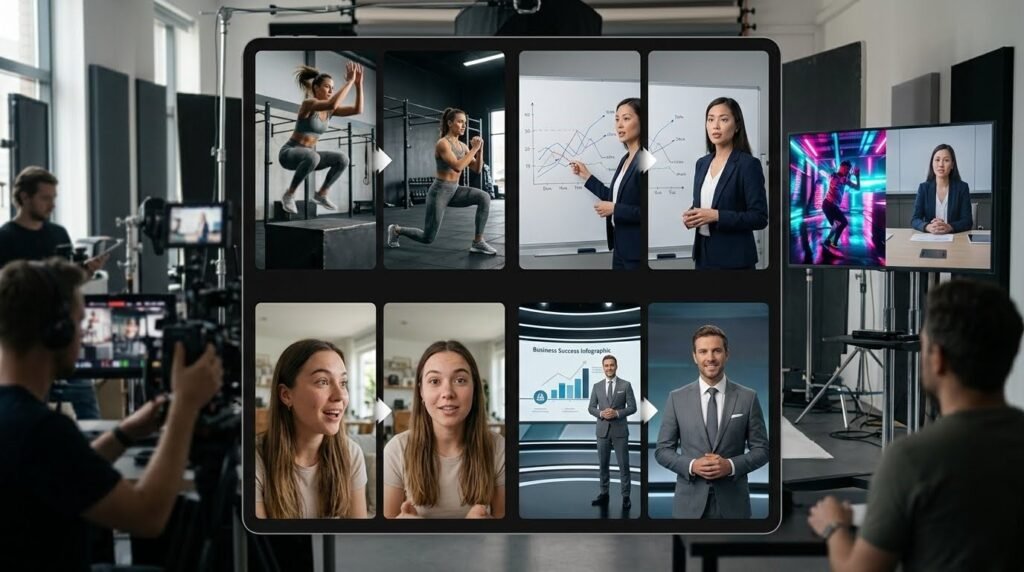
For UGC video hook clips specifically, authenticity is the whole point. A polished, produced clip in front of raw, phone-camera content breaks the authentic signal that makes UGC work. The hook transition needs to match the production register of what follows imperfect framing, natural light, handheld energy otherwise the UGC format’s primary advantage disappears at the opening frame.
Audience expectations vary by platform too. TikTok audiences expect fast cuts and immediate energy. YouTube Shorts audiences tolerate slightly more deliberate pacing. Instagram Reels sit between them. Natural hook clips for viral hooks on TikTok would feel aggressive on a YouTube Shorts educational channel. Choose clips that match the platform’s native energy, not just the content’s.
Make Movement Connect the Two Shots
Movement is the most reliable tool for making a downloaded hook clip feel like it belongs to the video it precedes. When the motion at the end of the hook transition connects naturally to the motion at the beginning of the main content, the viewer’s eye tracks a continuous flow rather than noticing a cut between two separate clips.
Directional matching is the simplest version of this. A hook clip ending on rightward camera movement cuts most naturally to a main content clip that opens with rightward movement or a subject positioned in the direction the movement implies. The direction continuity creates the sensation of one flowing shot.
Whip pans are the most effective single technique for hiding the hook-to-content seam. The visual blur during a fast whip pan provides complete cover for the cut frame. Two separate clips joined inside the blur read as one continuous camera movement. The viewer sees motion not an edit.
Zoom transitions work the same way at a different pace. A hook ending mid-zoom connects to content that opens at the zoomed position. The brain reads it as one continuous zoom rather than a cut between two clips.
Match cuts cutting from one action to a similar action in different footage create continuity through subject movement rather than camera movement. A hook transition clip showing a hand reaching for something cuts most naturally to the main content at the moment a hand does something similar. The movement carries across the cut.
Object movement in the frame provides another connection point. A hook clip where something moves from left to right connects to content where an element or the camera continues moving in the same direction. The viewer’s eye is already traveling; the cut just continues the journey.
Get the Timing Right
The cut point within the hook clip matters as much as the clip itself. Cutting at the wrong frame turns a strong clip into a forced transition. Cutting at the right frame makes the join feel inevitable.
The best cut point is almost always the moment of highest energy in the transition hook the peak of a zoom, the frame where a whip pan reaches full speed, the split second where a fast cut lands on a beat. Cutting at the energy peak means the transition arrives at the exact moment the viewer’s attention is most engaged. That’s the window where a cut disappears.
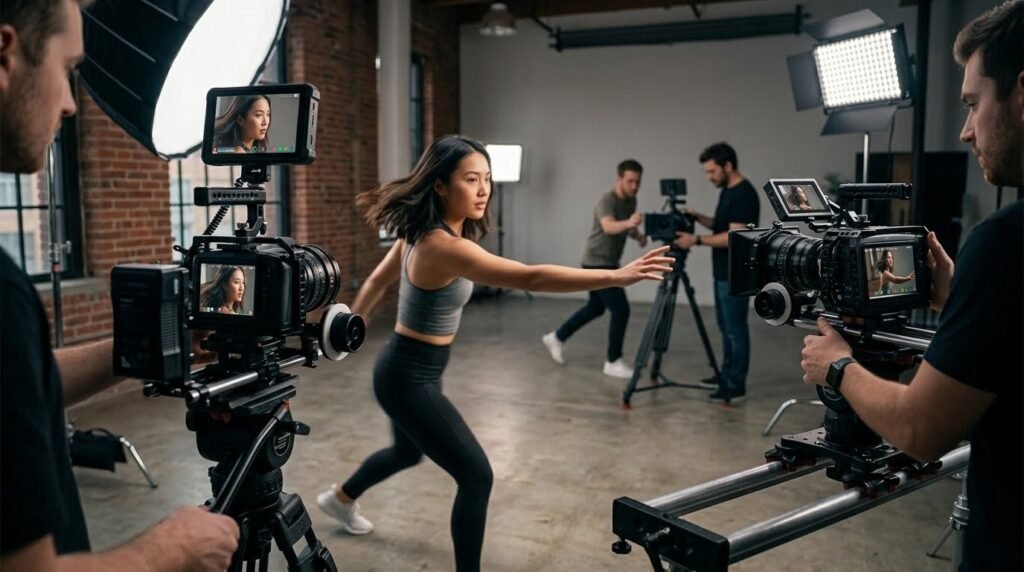
Hook duration is a separate timing issue. A hook clip that runs too long starts to feel like an intro animation rather than an opening moment. Most effective hook clips run one to three seconds before the cut. Longer than that and the viewer has time to register the clip as separate from the content which is exactly the feeling natural integration avoids.
Unnecessary gaps between the hook and the main content create visible seams. Even a single black frame between two clips signals an edit. Check the timeline at high zoom to confirm the clips are joined frame-to-frame. For short video transitions for ads specifically. This matters more than in organic content because ad viewers are actively looking for the skip point.
Pacing consistency through the transition keeping the edit rhythm consistent as the hook becomes the content prevents the jarring reset that mismatched pacing creates. If the main content edits slower than the hook, the deceleration should feel gradual rather than sudden.
Use Audio to Hide the Seams
Audio integration does more invisible work than most editors allocate time to. Small audio decisions at the cut point can make a visually imperfect transition feel seamless or make a visually clean transition feel jarring.
A bass hit or impact sound landing exactly on the cut frame creates a combined sensory event that the brain processes as intentional. When audio and visual change simultaneously rather than independently, the brain treats them as one event. That unified event feels like an editorial choice rather than a technical join.
Whoosh sounds layered under whip pans extend the movement through the audio channel. The visual blur provides cover for the cut. A whoosh that begins in the hook’s final frames and continues into the main content’s opening frames makes the movement feel longer and more connected than the visual alone achieves.
Sudden silence before a reveal acts as an audio reset. Dropping to zero for one frame before the main content begins creates a micro-pause the brain reads as anticipation rather than disruption. What follows feels like a deliberate reveal rather than an abrupt cut.
Music transitions between different audio environments need crossfades rather than hard cuts. A four to eight frame audio crossfade between the hook’s music and the main content’s music reduces the jarring quality of environment changes. Hard audio cuts and hard visual cuts at the same moment create double disruption two simultaneous changes that register together as a single obvious seam.
Voiceover continuity creates an audio anchor through the transition. Beginning the creator’s voice one or two frames before the cut from hook to content means the viewer’s ear is tracking the voice when the visual change happens. The voice provides continuity that bridges the visual transition.
Keep Text and Effects Under Control
Text overlays and visual effects serve the hook when they’re simple and work against it when they compete with the content. A single bold text line over a hook transition clip, one claim, one question, one implication creates curiosity without requiring the viewer to process multiple competing elements. Three text layers, a zoom effect, a color overlay, and an audio sting all in the first two seconds creates cognitive load that resolves with a scroll rather than continued watching.
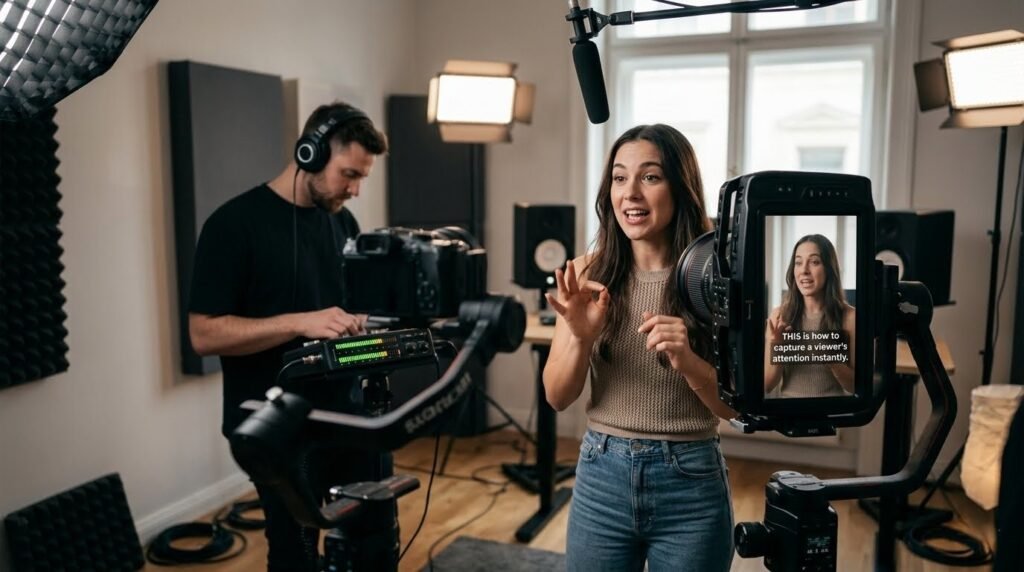
The purpose of the hook is to earn the next five seconds. The content earns everything after that. Any effect or overlay in the hook that draws attention away from that handoff is doing the wrong job. When the transition from hook to content is working correctly, the viewer doesn’t notice that the hook ended; they’re just already inside the video.
Caption styling consistency matters specifically for downloaded clips. Applying the creator’s own font, size, color, and placement to hook captions makes a downloaded clip read as part of the creator’s own visual language. The clip provides the motion. The caption provides the brand recognition. Inconsistent caption styling between transition hook and content signals two production sources before the viewer consciously registers what changed.
Make Hook Clips Feel Native to Different Content Types
The same hook selection and integration principles apply across content types, but the specifics shift depending on format.
Talking-head videos need hooks that connect visually to the creator or the topic. A fast motion clip followed by a creator speaking directly to the camera works when the energy of the clip matches the energy of the delivery. An intense clip followed by low-energy delivery creates the mismatch that produces exits.
Educational content needs curiosity hooks that connect to the lesson. A result shown before the explanation, a screen transition into the teaching content, or a bold text reveal these feel native to educational formats in a way that dramatic suspense clips don’t.
Product promotions need hooks with visual product relevance. The viewer who stops on a product-adjacent transition hook expects to see a product. Abstract hooks generate scroll stops that don’t convert because the viewer who stopped wasn’t looking for what the video was selling.
Short-form video hooks for entertainment content have the most flexibility. Pattern interrupts, reaction shots, and fast cuts match the native energy of entertainment feeds and feel natural because the content that follows typically maintains the same pace.
Build a Natural Hook Workflow
A repeatable process produces consistent results faster than making fresh decisions for every video. Start by identifying the main message of the video. Decide what the viewer should notice first, the emotion, the result, or the action and choose a hook clip that supports that specific thing rather than competing with it.
Find the movement connection point between the hook and the first frame of main content. Apply the appropriate transition technique whip pan, zoom, match cut at the highest-energy frame in the hook clip.
Add the audio element on the cut frame. Apply caption styling that matches the video’s visual language. Watch the full opening three times: once with sound on, once with sound off, once at half speed to check the cut frame specifically.
Remove anything at the transition point that makes the seam more visible. Natural hook clips are defined by what gets removed as much as what gets added.
HookTransition.com is organized around hook clips specifically designed for short-form content integration not general stock footage repurposed for openings. But transitional hooks and creator-ready assets built for this exact workflow. For creators building a hook video clips free library to pull from. They having assets pre-organized by hook transition type and movement style reduces selection time and increases the likelihood that the chosen clip integrates cleanly.
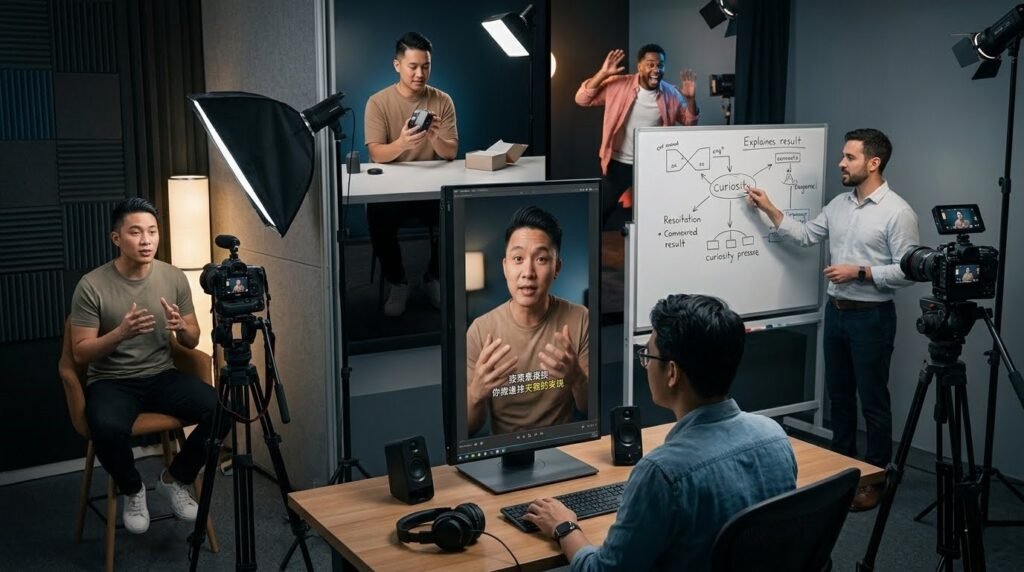
How to Tell if a Hook Actually Feels Natural
Before publishing, run through these questions about the opening: Does the hook relate to what follows? Does the movement connect across the cut? How does the audio bridge the visual transition? Does the hook resolve in under three seconds? How doesthe main content arrive immediately after? Does anything in the opening feel unnecessary? Would removing the hook clip still leave a coherent opening?
If any answer is no, that’s the problem to fix. The goal is for the viewer to notice the content rather than the editing technique. When the hook disappears into the video when the opening feels. It was always supposed to start that way the integration worked.
Connection Between The Hook And The Content
Relevance, timing, movement connection, audio bridging, and consistent visual language are the elements that make a downloaded hook clip feel like it belongs rather than like something placed in front of the real video.
Focus on the connection between the transition hook and the content. Build that connection deliberately rather than treating the hook as a separate editing step. The retention graph will show the difference before anything else does.


